-
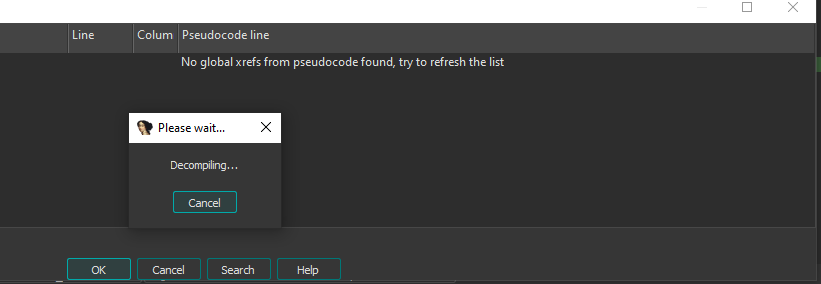
Cross ref window is grayed out …
2. When I open “global cross ref to…” the window is on the front …. and I can’t dock it …. and after clicking on function it just closes….I need a window that is constantly open, with global refs to my structure, so i can click on any and see it in the psedocode, and keep going to the next function.

Bump <20 chars> <20chars>
Hello,
Unfortunately, currently the functionality you seek is not available:
- the non-modal xrefs view (and the new xref tree) is available only for global addresses (e.g. data items or functions), but not types. You can open while in IDA View.
- The global cross-references are available only as a modal dialog and are not stored in the database, so need to be recalculated if you close and reopen it. However, the microcode and ctext of decompiled functions is cached in the IDB, so normally the refresh should be faster than the first time.