Hello. I’m writing IDA Debugger plugin. And i want IDA shows box with text “Running” and Suspend button when the process is running. I think it’s something like show_wait_box, but this one doesn’t have Suspend button.

I think it shows automatically when your python script runs for at least x seconds. Make a script that runs while True and never breaks. You should see the dialog.
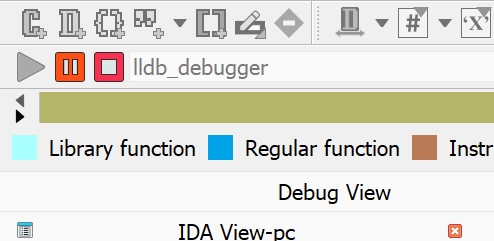
Sorry but why would you want such box ? If it would appear it’s effectively blocking UI interaction until you press Suspend ? You can always suspend the debugger with || button.
Sorry, I misunderstood your question the first time. I think you might need to create your own UI dialog for this with Qt or ida forms and hook it into debugger events.
If you want to control debugger from the script there is very good video from Elias Bachaalany on All Things IDA channel about it. I forgot the name of it.
Maybe try setting DBG_FLAG_DONT_DISTURB in your debugger_t’s flags.